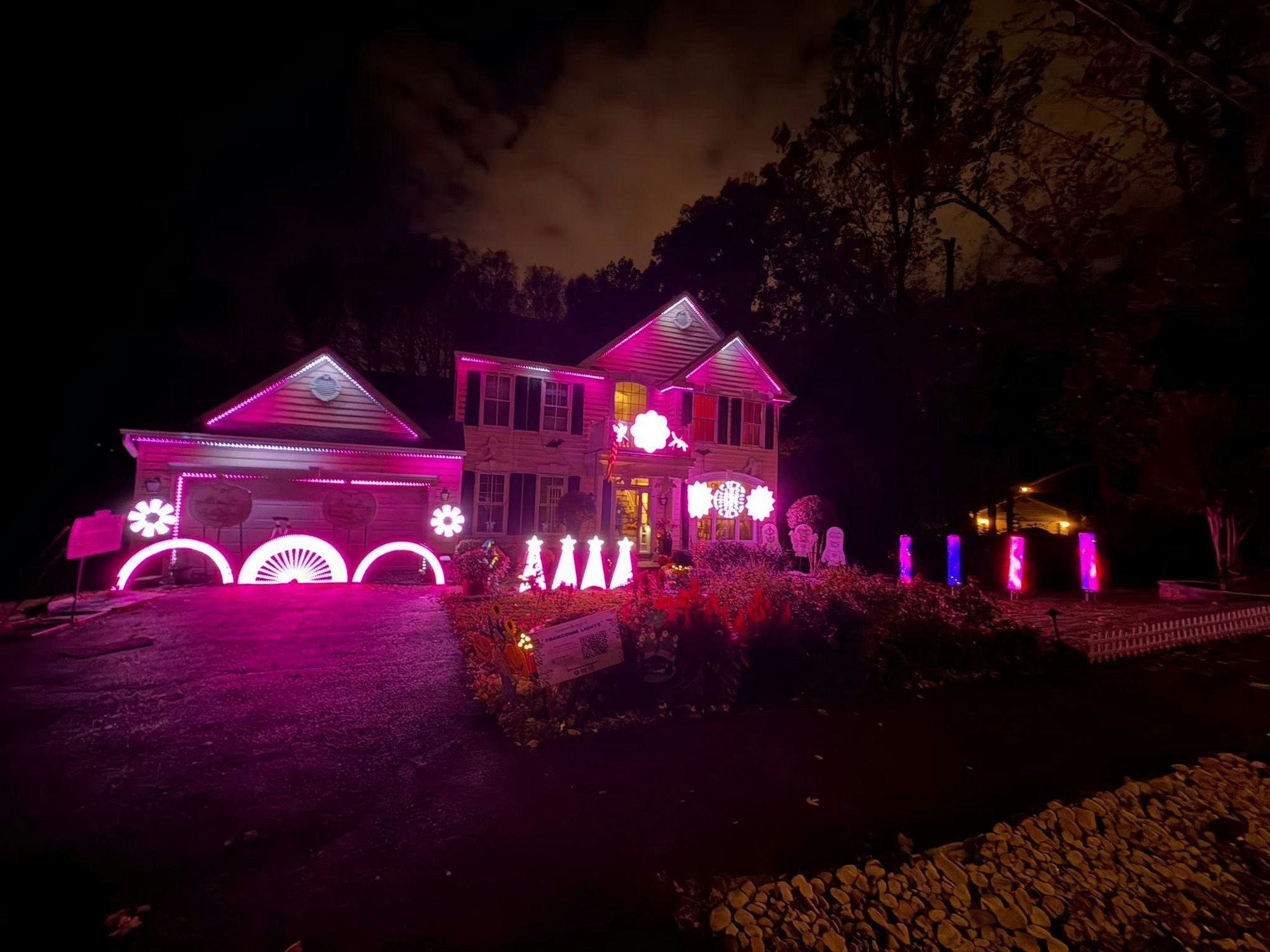
Behind the scenes · Halloween 2026
74,145 lights.
One tiny computer.
Here's how a song becomes a light show on St. John Drive, explained for everyone. Flip on Nerd mode up top if you want the nitty-gritty.
Chapter 1
It starts with
one pixel.
Every light on the house is a pixel: a bead about the size of a gumdrop that a computer can talk to directly.
Inside each one
Three tiny lights.
Red, green, blue.
Each can be set to 256 brightness levels. Mix them and you get any color you want.
Do the math
16.7 million
colors.
256 × 256 × 256. Every pixel, every moment, can be any one of them.
Chapter 2
Now multiply by
Chapter 3
Forty pictures
every second.
Like a movie, the show is a stack of still pictures, each one saying what color every pixel should be. A new one goes out every 25 milliseconds, faster than you can blink.
- Frame timing
- 25 ms (40 fps), set per sequence in xLights
- Frame size
- 217 KB, one byte per channel
- Data rate
- 8.9 MB/s while a song plays
- Show files
.fseqv2, compressed in zstd blocks. The whole show is 5.3 GB holding 191,391 frames.- Biggest file
- –
Chapter 4
From a song
to a pixel.
Designed
Each song is sequenced on a Mac in xLights, effect by effect, to the beat.
Rendered
Every frame of the song is computed ahead of time into one show file.
Played
A Raspberry Pi plays the music and the frames together, so they never drift.
Sent
Frames fly over a private network to 9 controllers around the yard.
Lit
Each controller passes colors down chains of pixels, one after another.
Chapter 5
Where the
pixels live.
The two screens hold most of the pixels. The spinners, faces and spiders are where the personality comes from.
| Controller | Hardware | Drives | Props | Pixels | Channels |
|---|
Every controller takes DDP straight from the show master.
Chapter 6
How a song
gets made.
Some songs start from professional sequences and get fitted to this house. Others are built here from scratch. Either way, it's six steps.
- 01
Level the music
Every track is set to the same loudness, so nothing blasts or whispers on your radio.
- 02
Map the song
Software finds every beat, bar, verse and chorus, and marks them on a timeline.
- 03
Place the effects
Spins, sweeps, sparkles and color washes go on props and groups, lined up with those marks.
- 04
Make faces sing
The singing pumpkins and characters get mouth shapes timed to the words.
- 05
Add the screens
Music videos go on the garage screen, and the TUNE TO sign gets the song's title card.
- 06
Render, check, ship
The show file is rendered and checked for dark gaps, then it goes to the player and into the song picker.
- Loudness
- -14 LUFS integrated with a -1.5 dBFS peak ceiling, using ffmpeg ebur128 and a limiter
- Timing tracks
- Beats, bars, a song map (verse, chorus, bridge) and a vocal track that drives the singing faces' mouth shapes
- Video
- 16:9 music videos are cropped to the garage screen's 2:1 shape
- Render
- xLights renders headless on the Mac, usually in under a minute per song. Output is checked by decoding the
.fseqand sampling frames. - Top effects
Chapter 7
107,006 effects.
23 songs.
Some songs are a few hundred big moves. Others are tens of thousands of tiny ones. Here's every song in the show, by how many effects it has.
Show as a table
| Song | Artist | Length | Effects |
|---|
- Run time
- 76 minutes of sequenced music
- Effect count
- Every effect placed on every prop, group and sub-part, across all layers
- Versions
- Songs with more than one version are counted once, using the busiest version
Now come see it.
Shows run every night of the season. Pick a song from your phone and watch the house play it.